Your brand on the front. A wall behind it.
A client portal is the one part of your stack your clients actually see — and the one place a data-isolation mistake is unforgivable. Tantivo’s portal is built as a separate surface with its own database role, not as your operator app with a few fields hidden.
- Per-tenant URL and branding
- Separate database role
- Explicit field allowlist
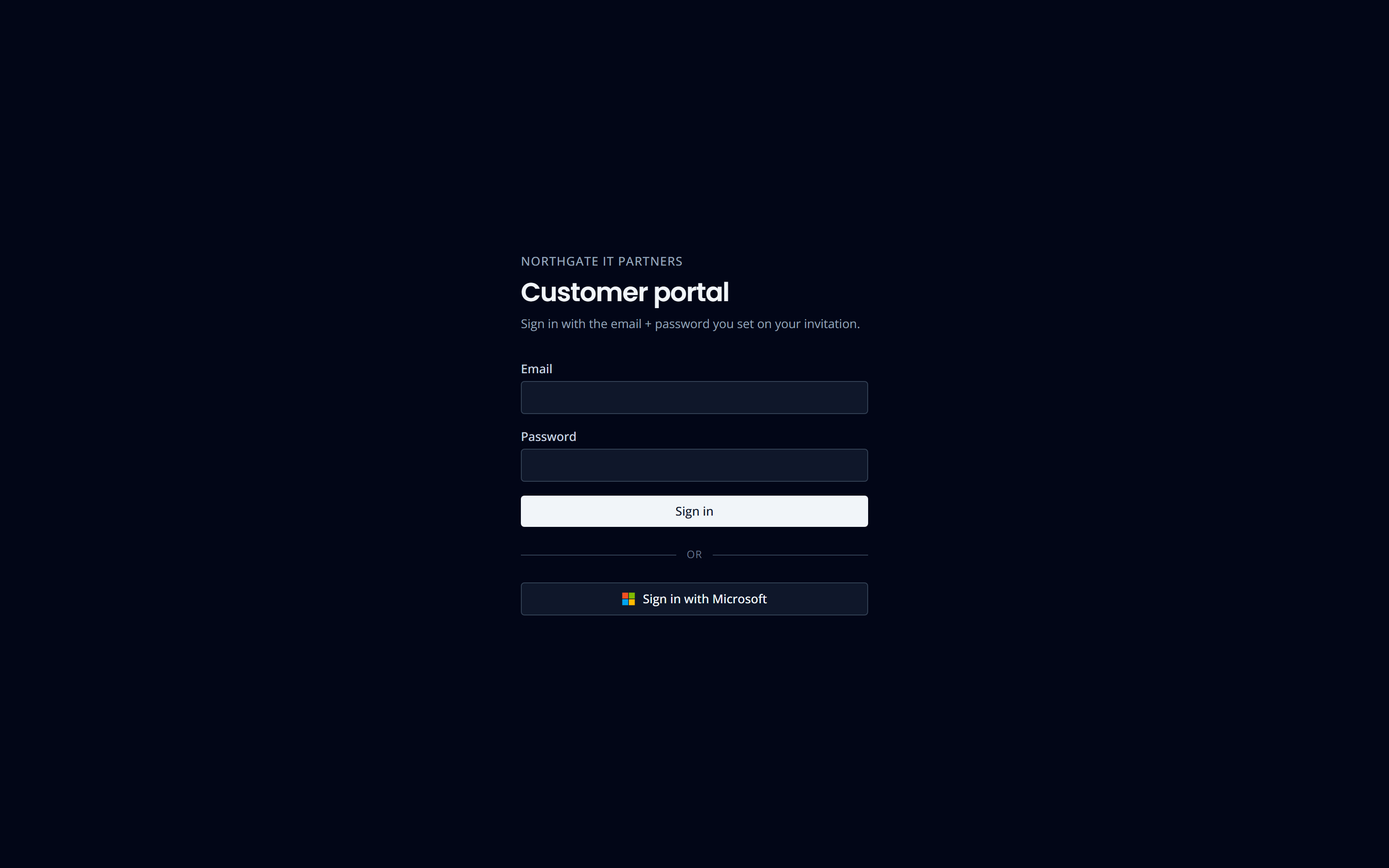
Their portal, at your address.
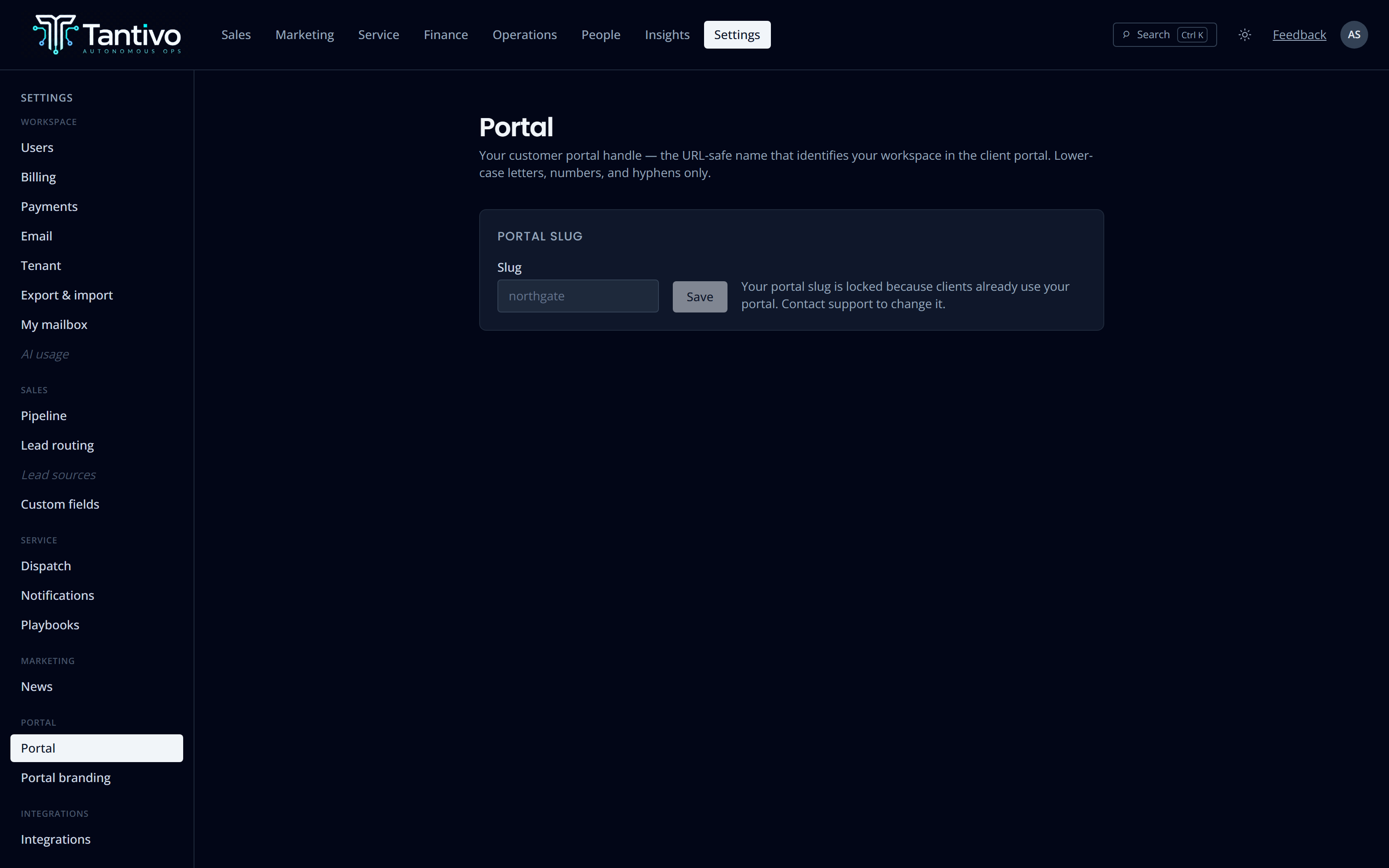
Each tenant gets its own portal slug — a clean per-firm URL — and its own logo, rendered before anyone signs in. Your client sees your name, not ours. Light and dark both work; the portal follows the device.
Sign-in is email and password, or Microsoft, with a strict verified-email match scoped to the tenant the URL resolves to. A mismatch between the URL and the session fails closed rather than guessing.
- Per-tenant slug, set once in Settings
- Your logo pre-login, from the slug-resolved tenant
- Password or Microsoft sign-in, verified email only
- App-owned password reset with single-use, expiring tokens
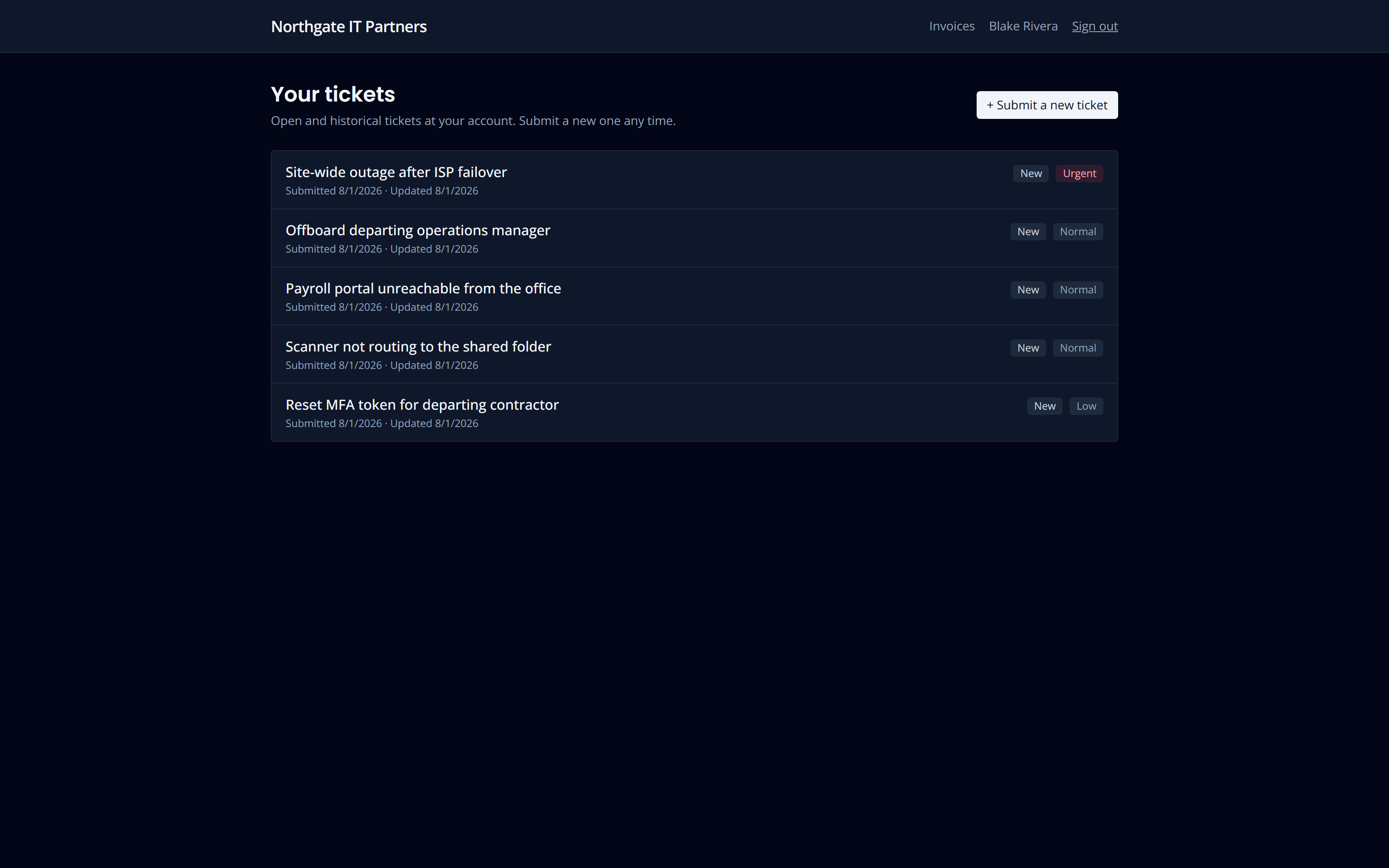
Clients follow their own work, without calling you.
Your clients see their tickets, the public conversation, and where each one stands. They can reply, and their reply lands on the same ticket your technician is already working — no second thread, no re-keying.
You choose per client whether a portal user sees only their own tickets or everything raised by their organisation. Both are legitimate; a twelve-person firm and a three-hundred-person one want different answers.
- Public conversation only — internal notes are unreachable
- Per-client choice: own tickets, or the whole account
- Replies thread onto the existing ticket
- Ticket status and history visible without asking
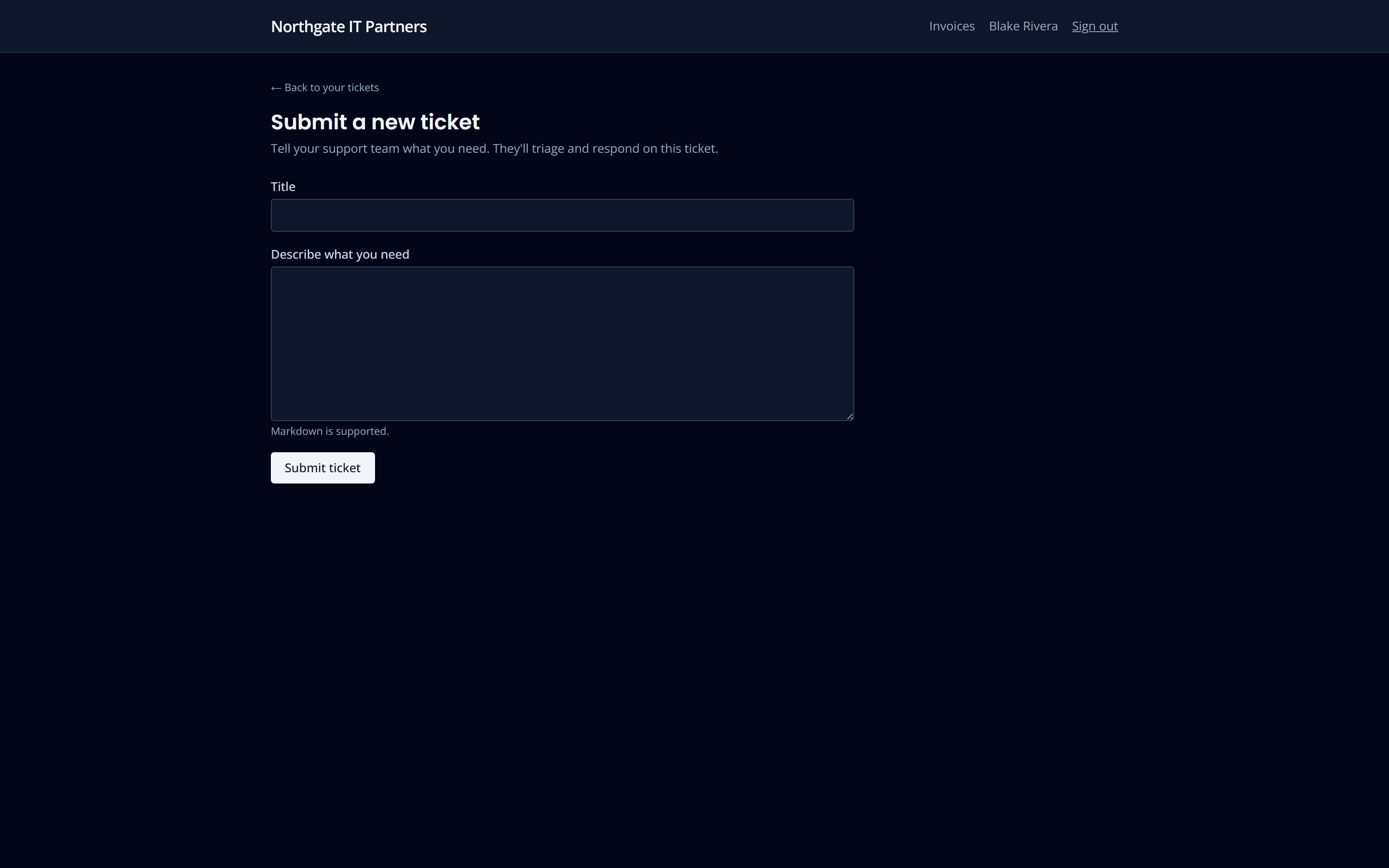
A new ticket that lands on the right clocks.
A portal-submitted ticket is an ordinary ticket. It enters your queues, it gets an SLA response and resolution deadline, and it appears on the same board as everything else.
Critically, it gets the client’s tier clocks — not a generic default — even though the portal session itself deliberately cannot read your tier configuration. The deadline is resolved out of band before the portal session ever opens, so channel does not change the promise.
- Portal tickets get the same tier SLA as operator-raised ones
- The portal session cannot read your tier or contract config
- Requester recorded as the portal user, not guessed
- Every portal action writes to the ticket event log
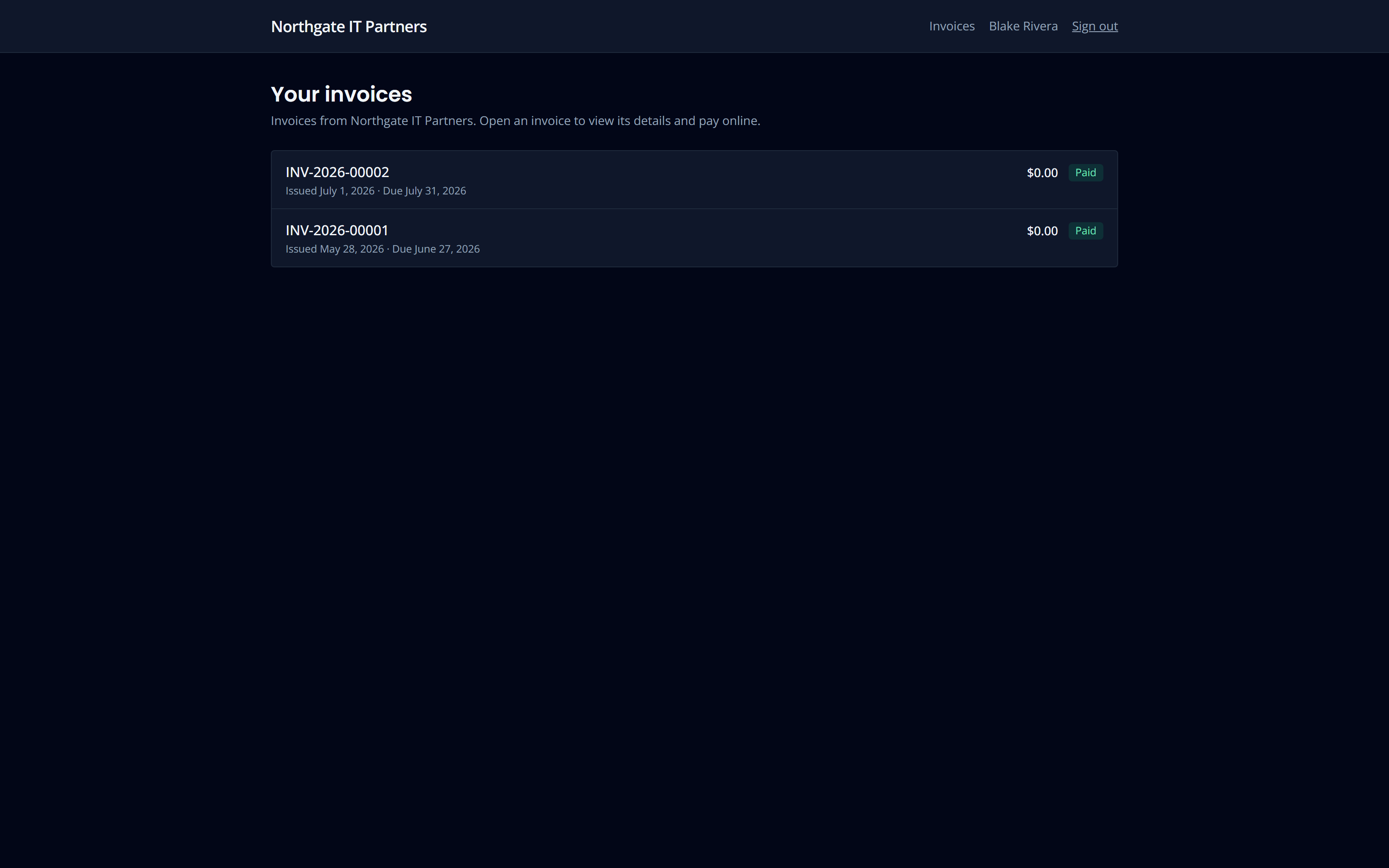
Bills they can read, and pay.
Clients see their invoices with line detail, what has been paid and what is outstanding. With Stripe connected, they can pay from the portal — card or ACH, settling into your own Stripe account.
What they cannot see is anything internal: your cost, your margin, internal comments, or the audit trail. That is not a rendering decision — those fields are not reachable by the portal’s database role at all.
- Invoice detail with lines, payments and balance
- Optional Stripe pay link, straight to your account
- Internal cost and margin are unreachable, not merely hidden
- Portal admins can manage their own colleagues’ access
Two axes, enforced in the database.
Every row in Tantivo carries the tenant it belongs to. Rows that belong to a specific client carry the client as well. A portal session is bound to a dedicated Postgres role with both values as claims, and row-level security checks both on every read and write.
That role is default-deny. It has grants only on the short list of tables the portal needs, and on some of those only on named columns. A table nobody explicitly granted is unreachable because it was never granted — not because a query remembered to filter it.
Adding a table to the portal is a deliberate three-step change: a grant, a policy, and a regression test that proves cross-client access fails. There is no way to do it by accident.
- Separate database role, not the operator role with a flag
- Tenant AND client checked by row-level security on every query
- Column-level grants where a table has internal-only fields
- Every new portal table needs a grant, a policy and a test
Its own auth instance, its own session cookie, its own database role.
The portal role reaches an explicit allow-list of tables. Everything else is invisible.
Margin, internal cost, internal comments and audit internals are out of reach.
Portal seats are not billed. Invite as many of your client’s people as you like.
Questions
Can a client see another client’s tickets?
No. The check is in the database, on both the tenant and the client axis, and there are regression tests that deliberately attempt cross-tenant and cross-client reads and assert they fail. See the security page for how that is enforced.
Do portal users cost extra?
No. Portal users are your clients’ staff, not your seats. Invite as many as make sense.
Can we preview what a client sees?
Yes — operators with the right permission can view the portal as a specific client user, read-only. Every preview writes an audit event, because looking at a customer’s view is still an access event.
Can the client manage their own users?
Yes. Designate a portal admin at the client and they can invite, re-role and deactivate their own colleagues without going through your service desk.
Keep exploring
- Service deskTickets, queues, SLA clocks and AI-assisted dispatch.
- CRM & salesLeads, clients, contacts, pipeline and forecast.
- Contracts & billingContracts and tracked time straight through to invoices.
- AI throughoutRecommend-only assistance with full cost accounting.
- ReportingCross-module dashboards on one shared data model.
Ready to run your MSP at full gallop?
Bring acquisition, delivery and billing into one transparent, AI-native system. Join the waitlist for the private trial.
Prefer email? support@tantivo.ai